Commercial Security Cameras: A Smarter Way to Secure Your Business
Commercial security cameras are one of the smartest ways to protect a business. They give you 24/7 situational awareness, deter crime, and capture evidence when trouble strikes.
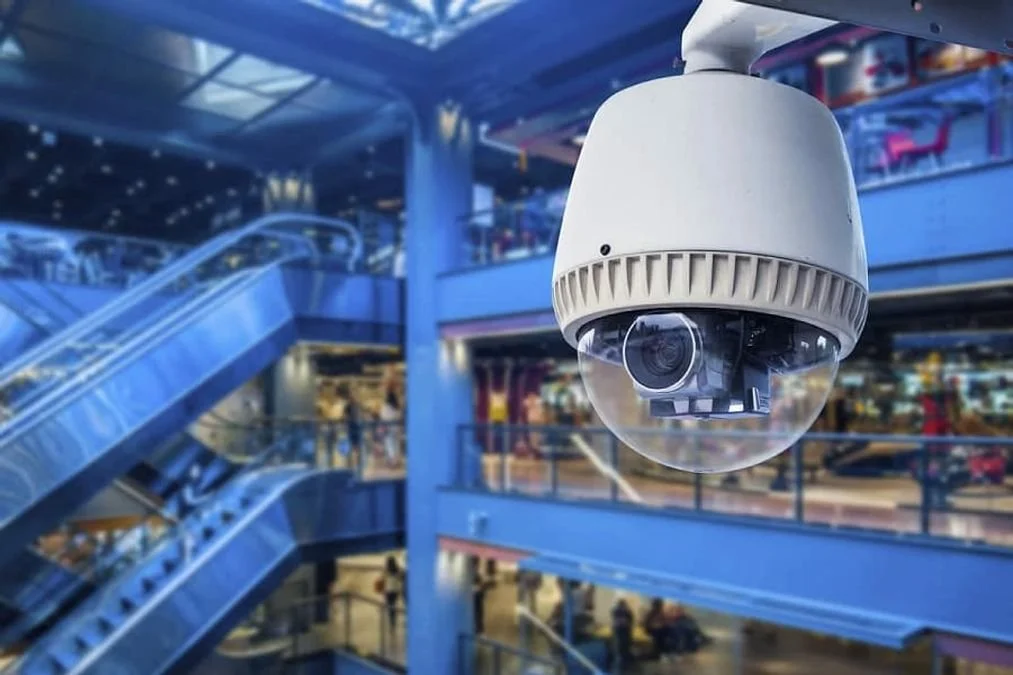
Research shows visible cameras help deter 60% of burglaries, and 54% of U.S. businesses recently installed or upgraded theirs.
A modern commercial security camera system, built on wireless security cameras and AI video analytics, turns passive footage into real-time alerts and protection.
Overview of business security camera systems
The Three Core Components
A commercial security camera system pairs three technologies: cameras, a recorder and management software.
Cameras capture the scene.
A network video recorder (NVR), digital video recorder (DVR) or hybrid unit stores it, with on-device storage as a short-term fail-safe.
Video management software (VMS) lets teams view live and recorded footage from one interface.
From 1942 to Today
The idea dates to 1942, when closed-circuit analog systems first sent video down cables.
Today, ONVIF-compliant business security cameras integrate with access control and alarms, giving operators continuous oversight.
Types of business security cameras
Choosing among business security cameras starts with where they will live.
Dome and Bullet Cameras
Dome cameras offer discreet, wide-angle coverage with infrared night vision.
Bullet cameras capture long-range detail for perimeters and parking lots.
Fisheye and PTZ Cameras
Fisheye 360-degree cameras cover lobbies and hallways from a single vantage point, while PTZ models follow activity across large outdoor areas.
Cameras for Tougher Sites
For harsher sites, impact-resistant casings and tamper alarms keep video flowing.
Matching each camera type to its space is how security cameras for business deliver full coverage without wasted hardware.
Commercial camera systems for different industries
Commercial security cameras do different jobs depending on the industry.
Retail and Casinos
Retail teams rely on register surveillance and after-hours detection to curb theft.
Casinos use behavioral detection to flag suspicious activity around the clock.
Manufacturing and Warehouses
Manufacturers use PPE detection to document OSHA compliance and catch ignored safety procedures, while warehouses watch loading docks and restricted zones.
Utilities
Utilities use cameras to alert teams to malfunctioning equipment at electric substations.
The right security cameras for business therefore double as safety tools, not just theft deterrents.
Key considerations when buying a business video surveillance system
Before buying a business video surveillance system, define what the cameras must do.
Match Features to Your Needs
Then match features such as a wide field of view, low-light performance and tamper resistance.
Estimate Your Camera Count
Camera count varies widely. A small retail shop may need four to eight, while a large warehouse can require 64 or more.
Plan Storage and Integration
Calculate storage with your provider, since most systems keep footage 30 to 90 days.
Check integration with access control and alarms, and weigh your budget against AI analytics.
For a large commercial CCTV installation, hire a professional.
Cloud vs. on-premise security camera systems
A commercial security camera system can run on-premise or in the cloud.
On-Premise Systems
On-premise platforms like Avigilon Unity are managed in-house and offer FIPS 140-2 certified security.
They also make it easier to meet HIPAA or GDPR requirements, though installation is slower and costs run higher.
Cloud Systems
Cloud platforms such as Avigilon Alta install quickly, scale instantly and offer potentially unlimited storage, usually for a subscription fee.
A cloud connector can bring existing cameras online, and open API architecture simplifies integration with other security tools.
Wired vs. wireless security cameras for business
Wired Systems
Wired systems carry video over coaxial or Ethernet cabling, often powered through Power over Ethernet (PoE).
They deliver high reliability, though repositioning a camera means more cable work.
Wireless Systems
Wireless security cameras transmit over Wi-Fi, run on battery or plug-in power, and install easily.
The tradeoff is that video quality and reliability depend on Wi-Fi signal strength, and storage relies on an SD card or a cloud subscription.
Choosing Between Them
For business security cameras, a blend can work well: wired where reliability matters most, wireless where cabling is impractical.
Steps to planning a building security system installation
Planning a building security system installation begins with an initial survey that maps the areas needing coverage.
Equipment selection comes next, where a field of view calculator helps minimize camera counts.
Network design follows, and running cameras over PoE cuts power cabling and eases expansion.
A professional commercial CCTV installation then places devices for maximum situational awareness, followed by testing and staff training at handover.
Finally, integration links cameras with access control, alarms and building systems, so every component works as one.
FAQs
How long do commercial security cameras keep footage?
Most systems keep footage 30 to 90 days, while regulated industries may need six months or longer.
How far can they see?
Wide-angle models give usable detail at 70 to 100 feet; high-end systems can identify objects at 400 feet or more.
How many cameras does a business need?
Small shops often need four to eight cameras; larger sites need far more.
How long do they last?
Cameras typically last five to ten years with regular maintenance and updates.
Can cameras record audio?
Yes, but privacy laws may require consent, so confirm compliance first.