CCTV Security Systems: A Complete Guide to Installation and Setup
Most people only think about their cameras after something goes wrong. A package disappears from the porch, a truck is broken into overnight, or a customer claims they slipped in the store, and someone goes to pull the footage. That is the moment you find out whether your system was planned well. Maybe the camera was pointed at the wrong spot. Maybe the image is too blurry to read a face or a plate. Maybe the recorder overwrote the clip two days ago.
CCTV security systems are only as good as the planning, wiring, and setup behind them. This guide walks you through how modern systems work, which equipment to choose, how to set up CCTV camera systems step by step, and when it makes sense to call a professional. Whether you are protecting a home in Round Rock or a warehouse in Corpus Christi, you will finish with a clear plan for footage you can actually use.
What Are CCTV Security Systems?
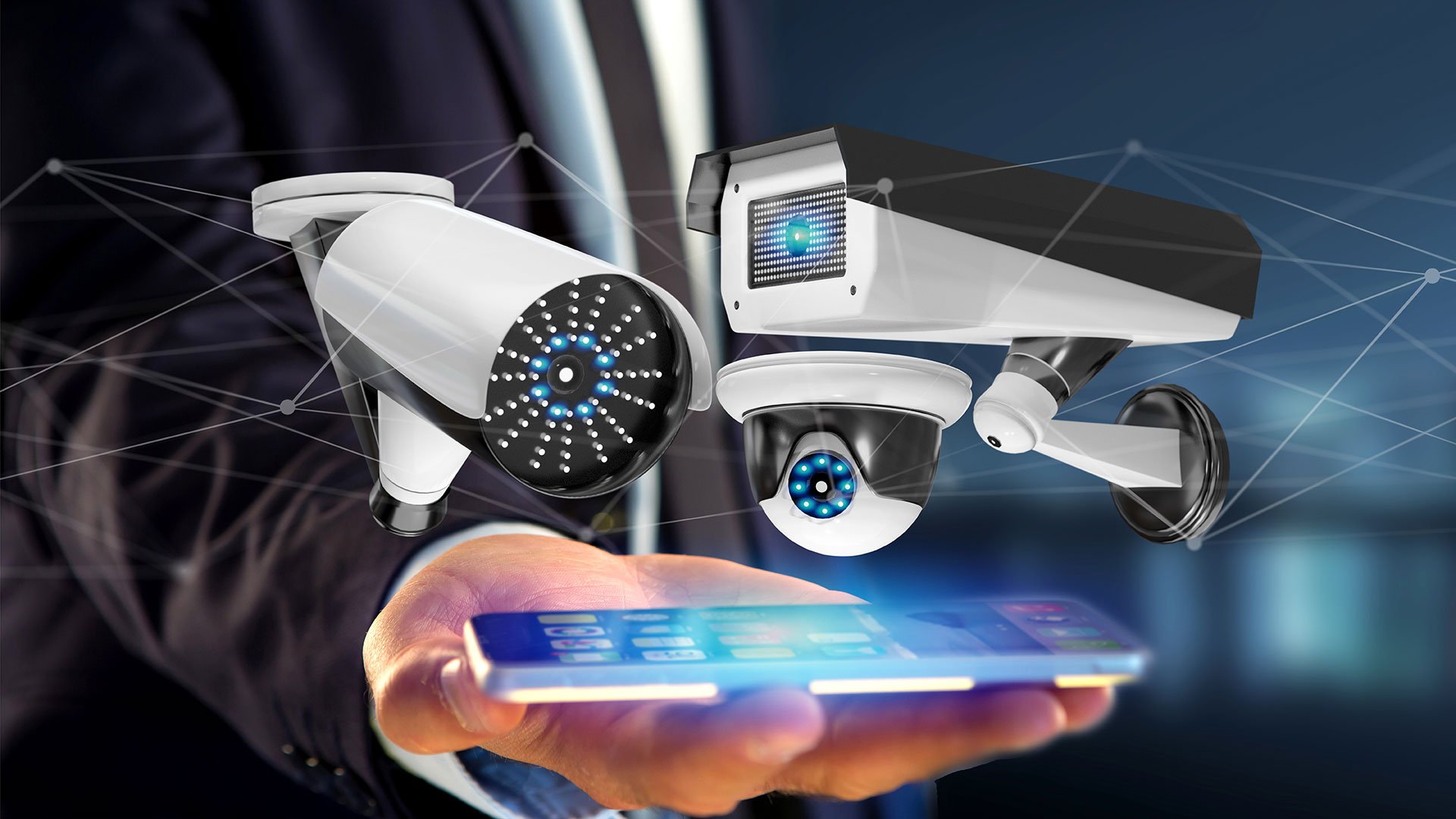
CCTV stands for closed-circuit television. The “closed circuit” part means the video travels over a private network to a recorder you control instead of being broadcast publicly. Today the term covers everything from a four-camera home kit to CCTV surveillance systems with hundreds of cameras across several buildings.
Every system, large or small, is built from the same basic parts:
Cameras. They capture the video. Resolution, lens, and night vision decide what details you can see.
Recorder. A network video recorder (NVR) or digital video recorder (DVR) stores footage on hard drives.
Cabling or wireless links. These carry video and, in many systems, power from each camera to the recorder.
Power. Supplied by the recorder, a Power over Ethernet (PoE) switch, or separate power adapters.
Viewing software. A monitor, a desktop program, or a phone app for live view, playback, and alerts.
When these pieces are chosen to work together, CCTV security systems do three jobs well: they discourage crime, alert you while something is happening, and give you clear evidence afterward.
Analog vs. IP: Which Type of CCTV System Is Right for You?
Older guides, including many DIY tutorials still ranking online, focus on analog cameras connected to a DVR with coaxial cable and BNC connectors. That technology still works, but most new CCTV security systems now use IP (internet protocol) cameras. Here is how the main options compare.
Feature
Analog / HD-over-Coax (DVR)
IP Cameras (NVR)
Wireless / Wi-Fi Cameras
Cable
Coaxial plus a separate power line
One Ethernet cable for video and power (PoE)
Power only, or battery
Typical resolution
1080p to 4K (HD-over-coax)
2MP to 4K and higher
1080p to 4K
Smart analytics
Limited
Strong (people, vehicle, line-crossing detection)
Varies, often cloud-based
Reliability
Good
Excellent
Depends on Wi-Fi signal
Best for
Upgrading existing coax systems on a budget
New installs, businesses, larger homes
Renters, small spaces, hard-to-wire spots
For most new installations we recommend wired IP cameras on PoE. One cable carries power and video, the image quality is better, and the cameras can tell a person from a swaying tree branch. If your building already has good coax runs, an HD-over-coax upgrade can be a smart way to save on labor.
Key Components of CCTV Surveillance Systems
Choosing the right equipment for your CCTV security systems matters as much as installing it correctly. These are the parts of CCTV surveillance systems that make the biggest difference.
Cameras: Choosing the Right Style
Bullet cameras have a long, visible body that works as a deterrent. They are great for driveways, parking lots, and long fence lines.
Dome cameras are compact and harder to tamper with because the lens direction is hidden. They suit entrances, retail floors, and hallways.
Turret (eyeball) cameras look like domes but have no glass bubble, so they avoid the infrared glare that can wash out night images.
PTZ cameras (pan, tilt, zoom) can be steered remotely or set to patrol. They fit large lots and yards where an operator watches live.
Fisheye cameras give a 360-degree view from one ceiling mount, which works well in open warehouses and stores.
Resolution, Lens, and Night Vision
Resolution sells cameras, but the lens and placement decide what you can identify. A 4MP camera with a wide lens covering a whole parking lot may not capture a readable face at the entrance. A useful rule: use wide lenses to see activity and narrower or varifocal lenses at doors, registers, and gates where you need identification.
For night coverage, look at the infrared range, and consider color night vision or starlight sensors for areas with some ambient light. Wide dynamic range (WDR) helps cameras facing bright doorways or the strong Texas afternoon sun.
NVR, DVR, and Cloud Storage
The recorder is the heart of CCTV security systems. An NVR records IP cameras, and a DVR records analog cameras. Hybrid recorders handle both. Many owners add cloud backup so key clips survive even if a thief steals the recorder, and placing the recorder in a locked closet or cabinet adds another layer of protection.
Storage: How Many Days of Footage Do You Need?
Storage is the most common mistake in CCTV camera system installation. As a rough guide, a 4MP camera recording continuously with H.265 compression can use around 25 to 40 GB per day. Eight cameras kept for 30 days could need 6 to 10 TB of storage. Motion-based recording, smart codecs, and lower bitrates at night can cut that significantly.
Decide on your retention period first. Many businesses aim for 30 days so that incidents reported late, like an insurance claim or a disputed charge, can still be reviewed.
Power over Ethernet (PoE)
PoE sends power and data over one network cable. It means fewer outlets, cleaner installs, and simple backup power, because a single battery backup (UPS) on the PoE switch or NVR can keep every camera running during a short outage. Standard Ethernet runs are limited to about 328 feet (100 meters), so longer distances need a switch, extender, or fiber.
How to Plan Your CCTV Camera System Installation
Good planning prevents the two biggest problems we see with CCTV security systems: blind spots and unusable footage. Before you buy anything, work through these steps.
Walk the Property and Map Risk Areas
Draw a simple map of the building and lot. Mark every entry door, gate, garage, window at ground level, parking area, loading dock, and cash or inventory area. Then note how an intruder would most likely approach and where they would try to leave.
Decide What Each Camera Must Do
For each spot, decide whether you need to detect (see that someone is there), recognize (tell who a familiar person is), or identify (capture a clear face or license plate a stranger could be matched to). Identification needs more pixels on target, which usually means a narrower lens or a camera closer to the subject.
Plan Mounting Heights and Angles
Mount cameras about 8 to 10 feet high, high enough to resist tampering but low enough to capture faces rather than the tops of heads. Avoid pointing cameras straight into the sun or at bright lights, and keep in mind that trees and shrubs grow.
Plan the Cable Routes and Recorder Location
Choose a secure, cool, ventilated spot for the recorder, near your network equipment. Map each cable route through attics, ceilings, or conduit. In hot Texas attics, use cable rated for the conditions and keep electronics out of spaces that reach extreme temperatures.
How to Set Up CCTV Camera Systems Step by Step
Once the plan is set, here is how a typical IP-based CCTV security system goes in. These steps show how professionals set up CCTV camera systems, and they will help you understand what a quality install should include even if you hire it out.
Run and terminate the cables. Pull Cat6 cable from each camera location to the recorder or PoE switch. Use outdoor-rated cable for exterior runs and weatherproof junction boxes at each camera. Test every cable before mounting.
Mount the cameras. Secure each camera to a solid surface, seal all wall penetrations against water and insects, and use drip loops so rain does not run into the connection.
Connect the recorder. Plug cameras into the NVR’s built-in PoE ports or a PoE switch, connect the NVR to your router, and attach a monitor for initial setup.
Install hard drives and set recording modes. Use surveillance-rated drives. Choose continuous, motion, or scheduled recording for each camera based on its job.
Secure the system. Change every default password, update the firmware on the cameras and recorder, and turn off features you do not use, such as UPnP. Put cameras on their own network or VLAN when possible.
Aim and fine-tune each camera. Adjust angles, zoom, focus, and exposure while watching live video. Check every view in daylight and again after dark.
Set up smart alerts and motion zones. Draw detection areas and use person or vehicle detection to cut false alerts from cars, animals, and moving shadows.
Set up remote viewing. Install the manufacturer’s app, connect it securely, and test live view and playback from your phone on cellular data, not just Wi-Fi.
Sync time and test playback. Correct timestamps matter if footage is ever used as evidence. Pull a test clip and make sure you know how to export it.
Document the system. Record camera locations, IP addresses, and login details in a secure place, and train everyone who needs access.
CCTV Security Systems for Homes vs. Businesses
The core technology behind CCTV security systems is the same for a house and a storefront, but the goals differ.
Residential CCTV Systems
Homeowners usually need 4 to 8 cameras covering the front door, driveway, backyard, side gates, and garage. Pairing cameras with a video doorbell, smart lighting, and an alarm system gives a strong layered defense. Easy phone access and simple alerts matter most.
Commercial CCTV Systems
Businesses often need more cameras, longer retention, multiple viewing stations, and integration with access control and alarms. Retail stores may focus on registers and entrances, while warehouses focus on docks, inventory, and perimeter fences. Professional Commercial Security Camera Installation helps you design coverage around the way your business actually operates, with equipment rated for heavy daily use.
CCTV Installation in Round Rock TX: Local Considerations
If you are planning CCTV installation in Round Rock TX, a few local factors are worth building into your design.
Heat. Central Texas summers push attic and wall temperatures well above 100°F. Choose cameras with a wide operating temperature range, mount them out of all-day direct sun where you can, and keep the recorder in a climate-controlled space.
Storms and surges. Spring thunderstorms and hail can damage exposed equipment and send surges through cabling. Surge protection and a UPS help protect your investment.
Growing neighborhoods and business corridors. Fast growth means new construction, active job sites, and busy retail areas, all of which benefit from visible cameras and clear plate capture at entrances.
For a closer look at local options, read our guide to CCTV Camera Installation in Round Rock TX.
Legal and Privacy Considerations in Texas
Before you set up CCTV camera coverage, understand a few basic rules. This is general information, not legal advice.
Video in public-facing areas of your own property, like entrances, parking lots, and sales floors, is generally allowed.
Private spaces are off-limits. Never place cameras in bathrooms, changing rooms, or other areas where people expect privacy. Texas law treats this kind of recording as a crime.
Audio is different from video. Texas follows a one-party consent rule for recorded conversations, so recording conversations you are not part of can create legal risk. Many businesses disable audio entirely.
Respect neighbors. Aim cameras at your own property, not into a neighbor’s windows or backyard.
Post signs. Visible signage is a strong deterrent and lets employees and visitors know recording is in place.
If you have questions about a specific setup, especially in a workplace, talk with an attorney.
DIY vs. Professional CCTV Camera System Installation
DIY kits are tempting, and a small home system can be a manageable weekend project. But many DIY systems end up with the same problems: cameras placed too high or too wide to identify anyone, cables exposed to weather, default passwords left in place, and storage that runs out in a few days.
Professional CCTV camera system installation is the better choice when:
You need more than a handful of cameras or long cable runs
Cameras must cover a parking lot, fence line, or multiple buildings
You want integration with alarms, access control, or monitoring
You need footage that will stand up for insurance claims or police reports
Your building has hard-to-reach attics, high ceilings, or masonry walls
In Texas, companies that install security cameras for others must be licensed through the Texas Department of Public Safety Private Security Program. Always ask for the license number before you hire anyone.
How Much Do CCTV Security Systems Cost?
Pricing for CCTV security systems varies widely with the number of cameras, camera quality, storage, and labor. As a general guide:
Small residential systems (4 cameras): often around $1,000 to $2,500 installed
Larger homes and small businesses (8 to 16 cameras): often around $2,500 to $7,500 installed
Commercial and multi-building systems: priced by design, often $10,000 and up
The main cost factors are camera count and type, cable distance, wall and ceiling construction, storage needs, and integrations. The only accurate price comes from an on-site survey. Ask for an itemized quote so you can compare installers fairly.
Tips to Keep Your CCTV System Running Well
A little upkeep keeps CCTV security systems reliable for years.
Check every camera monthly. Make sure each one is recording and the image is clear.
Clean lenses and housings. Dust, spider webs, and pollen cause blurry images and false alerts.
Update firmware. Updates fix security weaknesses and improve features.
Watch your storage. Confirm the recorder still holds the number of days you planned.
Replace drives proactively. Surveillance drives work around the clock and wear out over time.
Review camera angles yearly. New landscaping, construction, or layout changes can create blind spots.
Frequently Asked Questions About CCTV Security Systems
How many cameras do I need?
Most homes need 4 to 8 cameras in their CCTV security systems to cover entries, the driveway, and the yard. Businesses vary widely, so start by mapping every entrance, parking area, and high-value zone, then add cameras until each one is covered.
Can CCTV security systems work without the internet?
Yes. Wired systems record locally to the NVR or DVR without internet. You only need internet for remote viewing, phone alerts, and cloud backup.
How long do CCTV systems keep footage?
It depends on storage size, camera count, resolution, and recording mode. Many homes keep 7 to 14 days, and many businesses aim for 30 days or more.
How long does professional CCTV installation take?
A typical home system can often be installed in a day. Larger commercial projects may take several days and are often scheduled to avoid disrupting business.
Are wireless cameras as good as wired CCTV?
Wireless cameras are convenient and work well in many homes, but wired PoE cameras are more reliable for continuous recording and higher-resolution video. Many systems use a mix of both.
Do CCTV cameras lower insurance premiums?
Some insurers offer discounts for professionally installed security systems, especially when they are monitored. Check with your insurance agent for details on your policy.
Get Clear, Reliable Footage With Professional CCTV Installation
Well-designed CCTV security systems protect your property around the clock, discourage break-ins, and give you evidence you can actually use. The difference between a system that simply records and one that truly protects you comes down to planning, equipment choice, and careful installation.
Red Alarm designs and installs CCTV surveillance systems, alarm systems, and access control for homes and businesses across Texas. Whether you need a few cameras around your home or a full commercial system, our licensed team will build it around your property and your budget. Learn more about our Security System In Corpus Christi, TX services and the areas we serve.
Ready to see your property clearly, day and night? Call Red Alarm today at (361) 906-8803 for a free CCTV security system estimate. We are open daily from 8am to 10pm.
About Red Alarm
Red Alarm is a licensed Texas security company (License #B10443401) serving Corpus Christi, Portland, Aransas Pass, Port Aransas, Rockport, Kingsville, Victoria, Round Rock, and surrounding areas. For more than 20 years, our team has installed CCTV security systems, alarm systems, access control, network cabling, and smart technology for homeowners and businesses, with a focus on clean installations and clear explanations.